

Why use AI agents in your conversations?
Treble’s AI agents transform the way you interact with your potential customers, offering immediate benefits: 🚀 Improve customer experience:- Instant 24/7 responses, no waiting
- More fluid and natural conversations
- Reduce abandonment with immediate attention
- Automatically qualify your best prospects
- Guide users toward specific actions
- Automate repetitive qualification tasks
- Free up your team for higher-value conversations
- Capture key information without manual intervention
AI agents need specific context about your company, products, and processes to work correctly. The more quality information you provide, the better results you’ll get.
The AI Agent
The AI Agent is the agent you build with in Treble. It holds a natural conversation, follows the rules you defined in its instructions and executes actions with tools: it saves data, reads and updates your CRM, sends documents, hands off to a human agent or closes the conversation.AI Agent
Automate processes with multiple possible paths. It calls tools, applies conditional rules and escalates conversations according to your business needs.View complete guide →
Use cases
- 🎯 Lead qualification: collects the data that matters to you and hands off to sales when the prospect meets your criteria
- 🔄 Account queries: reads HubSpot properties to inform about current plan, renewal date and subscription status
- 🎫 Ticket management: creates and updates tickets automatically based on user requests
- 📊 Data updates: modifies contact properties in your CRM based on the conversation
- 🛒 Support and pre-sales: resolves frequent questions with your knowledge base and escalates complex cases
- 📅 Scheduling: coordinates availability, confirms times and logs the appointment
- 🔀 Conditional flows: executes different actions depending on customer status or request type
How to create an agent
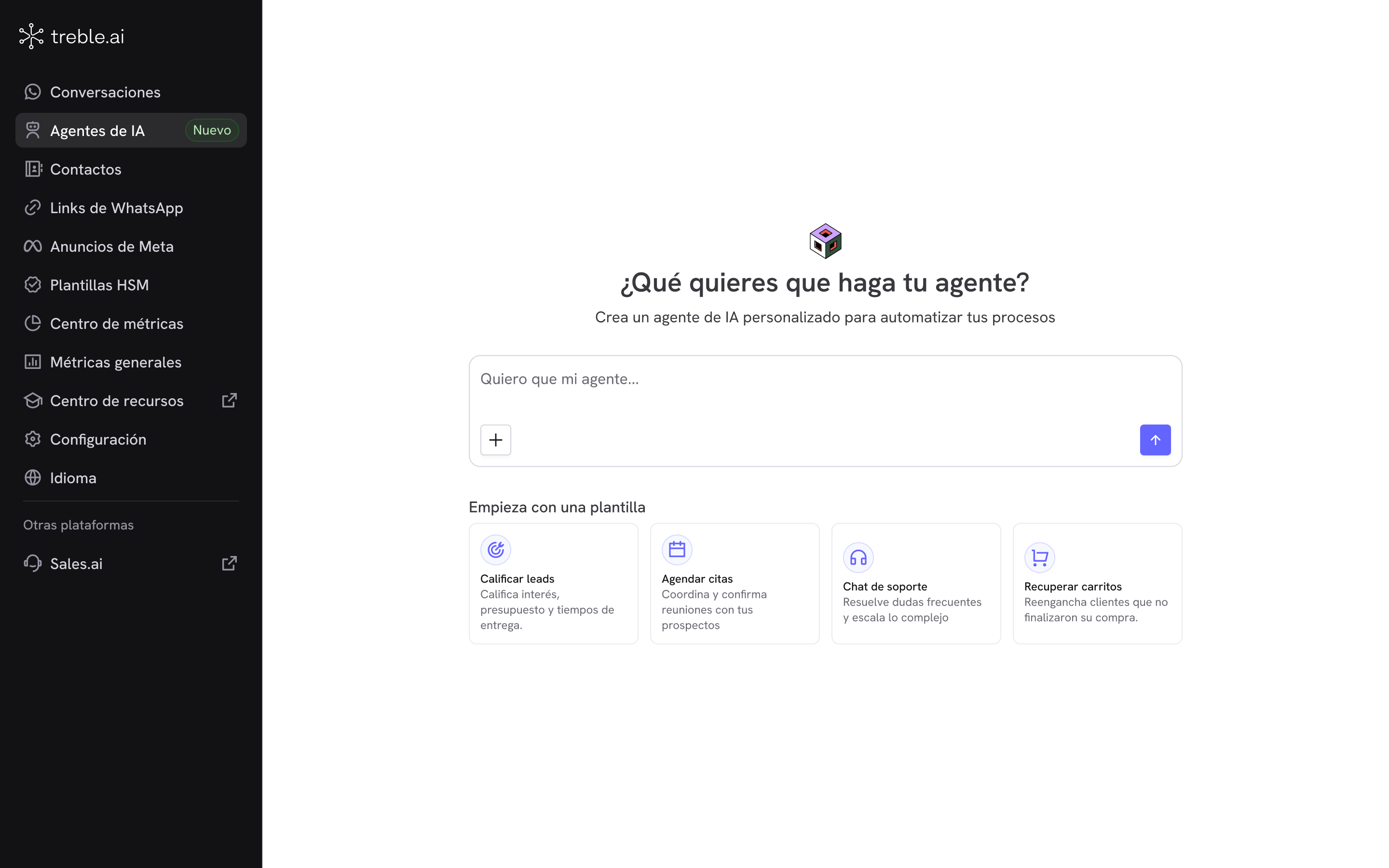
1
Describe what you need
In AI Agents, write what you want your agent to do, or start from a template.
2
Answer the questions
The generator asks for what’s missing and proposes a plan for you to confirm.
3
Review and complete
You land in the editor with the instructions and tools ready. You configure the ones that need data from you.
4
Test it
You validate the behavior in the playground and send yourself a test conversation on WhatsApp.
Using your agent in a conversation
Once saved, you integrate the agent into your conversational flows:1
Go to the Conversation Builder
Access the flow builder from your main dashboard.
2
Add the AI Agent block
You’ll find it in the advanced blocks section of the sidebar.
3
Select your agent
Choose the agent you created from the dropdown list.
4
Connect with other blocks
Drag and connect the block with the rest of your conversational flow.
5
Configure exit rules
Define what happens according to the different agent results.
Next steps
Create an agent
Describe what you need and let Treble build the first draft.
Prepare your knowledge base
Review the best practices before uploading your information.
Configure your agent
Adjust the instructions and complete the pending tools.
Test your agent
Validate the behavior before connecting it to a real conversation.